
Printing UV LED Curing System: How to Size for Web Width
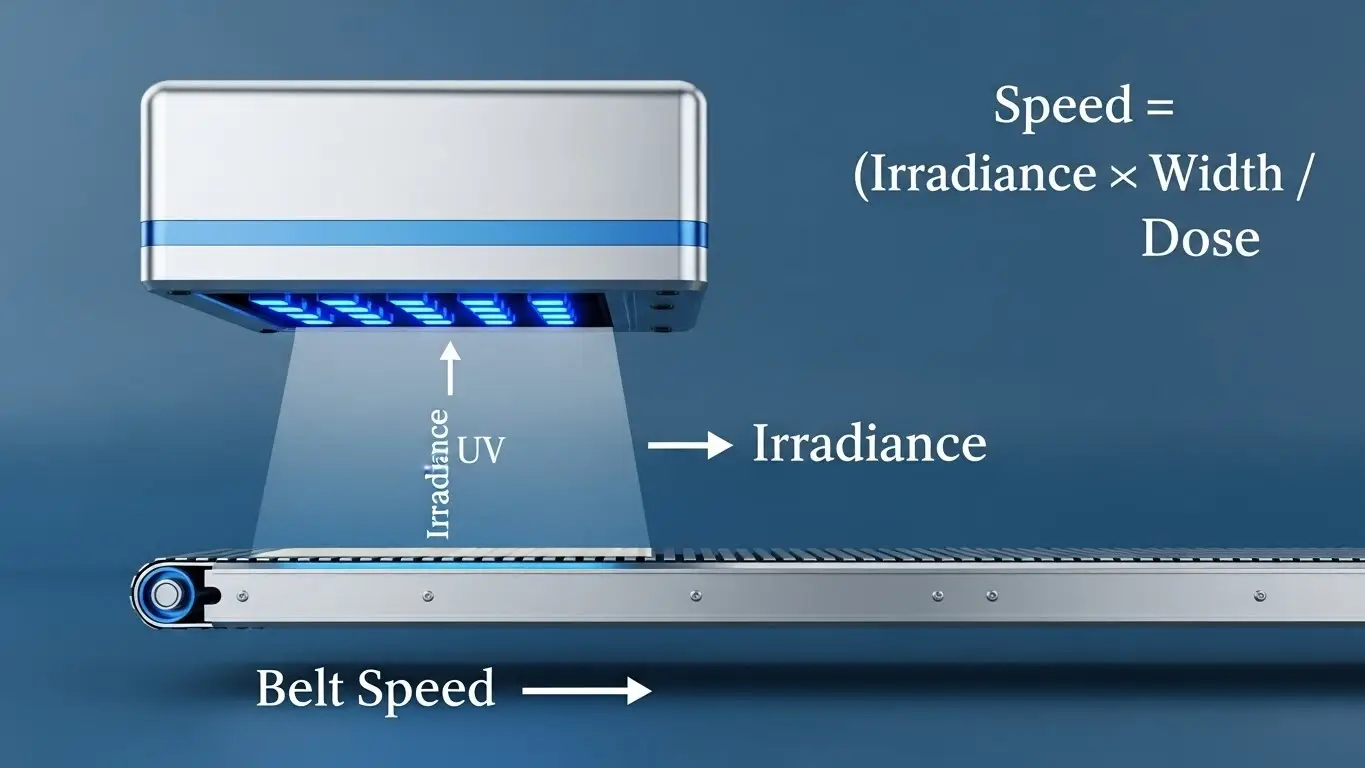
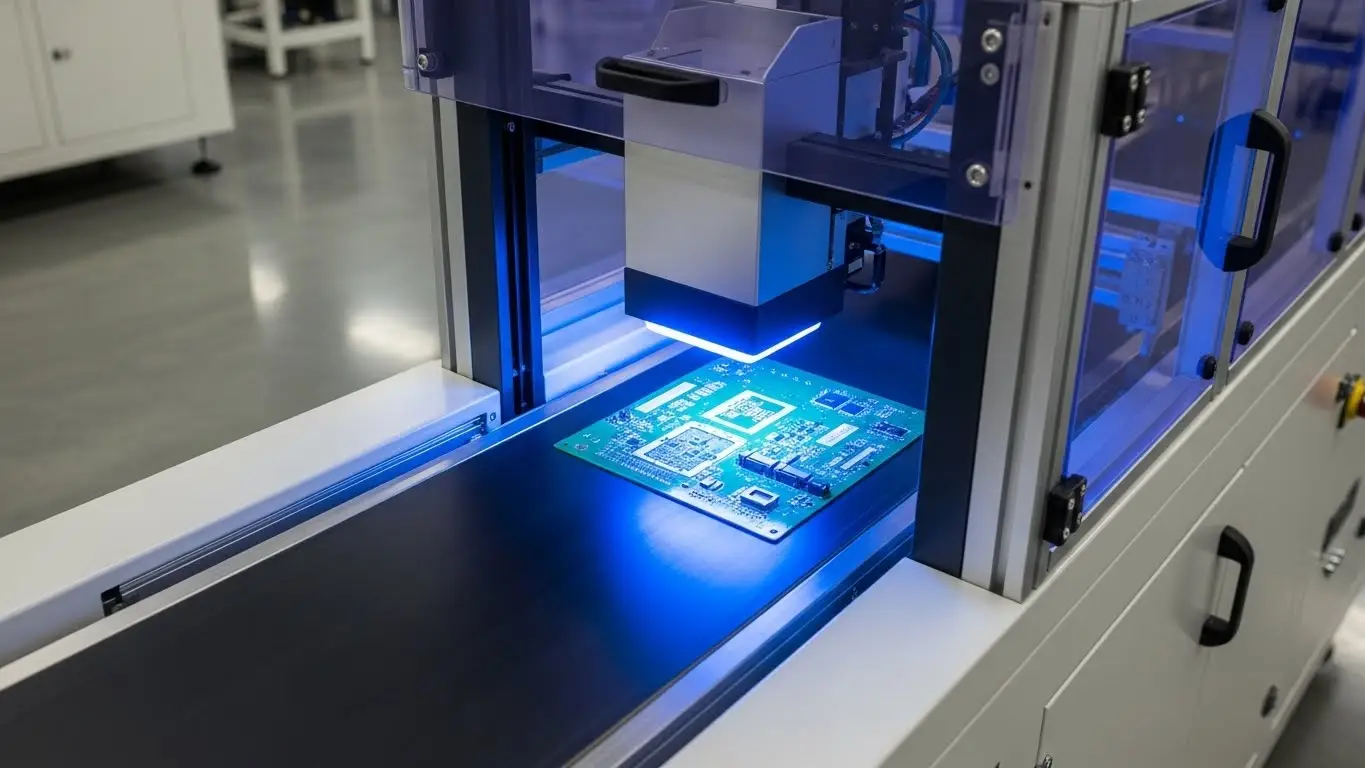
To correctly size a printing UV LED curing system for your web width, you must match the lamp's emission window—not the physical housing size—to your maximum print width, adding a safety margin for web wander. A general rule of thumb is to select an emission window that is 5mm to 10mm (0.2 to 0.4 inches) wider than your widest substrate. This ensures that even if the web shifts laterally during high-speed production, the ink at the extreme edges receives the full UV dose required for polymerization. Failing to account for this buffer often results in tacky edges and uncured ink.
Understanding the "Emission Window" vs. Physical Size
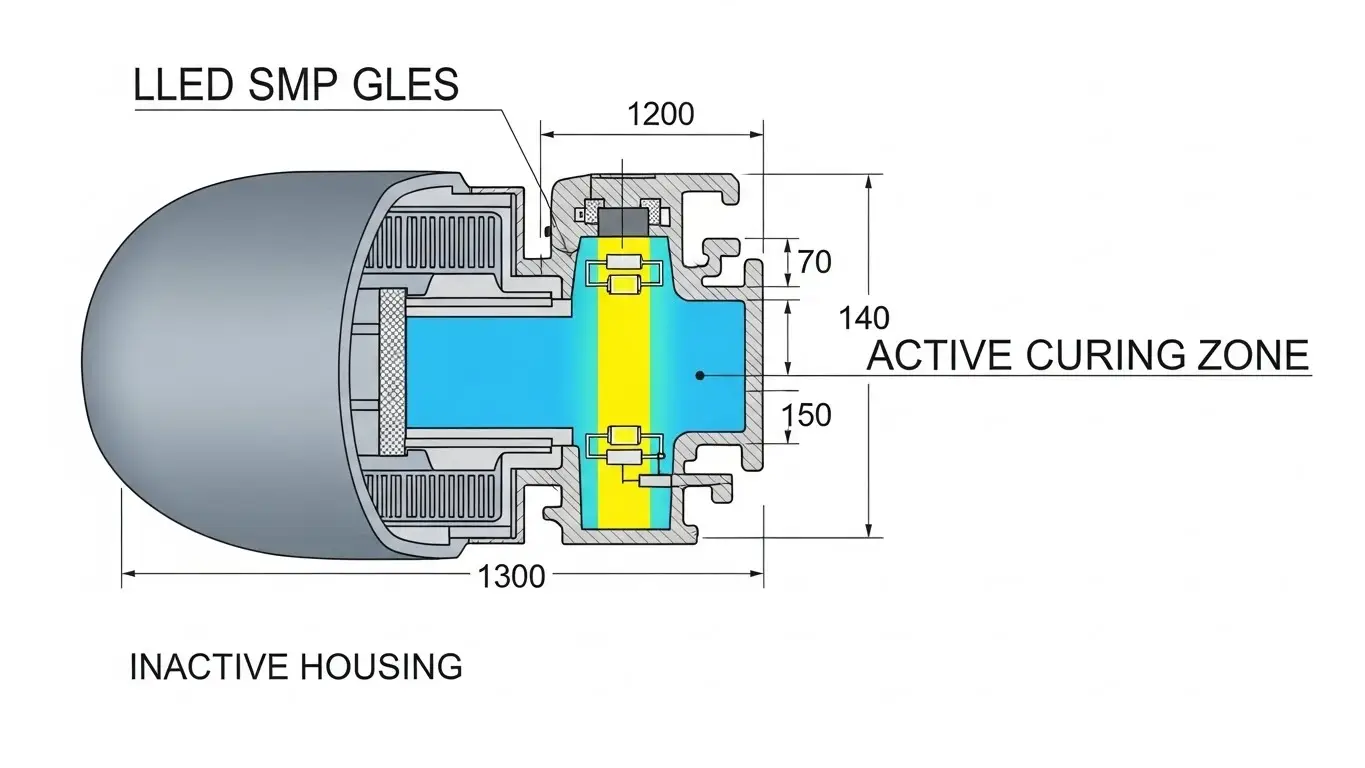
When integrating a curing system, the most critical specification is the emission window. This is the active area of the LED array that emits UV energy.
Many operators make the mistake of measuring the external casing of the lamp. However, the casing includes cooling manifolds, electronics, and mounting brackets, meaning the actual curing area is significantly smaller. If you size your system based on the physical dimensions, you will likely end up with an emission window that is narrower than your web, leading to immediate quality issues.
For a deeper dive into how these systems fit into different press configurations, read our guide on Flexo LED UV Curing: Benefits and Setup Considerations.
The Formula for Sizing
To calculate the minimum required emission window:
Min. Emission Width = Max. Web Width + Web Wander Tolerance
- Max Web Width: The widest material you intend to run.
- Web Wander Tolerance: Usually ±2mm to ±5mm depending on the precision of your press tension control.
Why do I need a margin for web wander?
You need a margin (buffer zone) because web materials naturally shift left and right (float) as they travel through the press. Without a margin, this movement would cause the edges of the web to slip out of the curing zone, resulting in wet or tacky ink edges.
Web wander is inevitable, even on modern servo-driven presses. If your LED array is exactly the same width as your web (e.g., a 350mm lamp for a 350mm web), a shift of just 1mm to the left means the rightmost 1mm of your design is not being cured.
This is a frequent cause of quality control failures. Inks that aren't fully cured at the edges can offset onto rollers or cause blocking when the roll is rewound. For specific troubleshooting on this issue, check our article on Common LED UV Curing Problems in Flexo (And Fixes).
Can I use a wider lamp for narrow webs?
Yes, you can (and should) use a wider lamp to accommodate your widest jobs, even if you run narrow webs frequently. Modern printing UV LED curing systems often feature "zoning" or addressable segments that allow you to turn off the outer LED modules to save energy.
Flexibility is key in narrow web and label printing. If you purchase a system sized strictly for a 10-inch web, you cannot run a 13-inch web later. However, if you size for 13 inches (approx 330mm) but run a 10-inch label, you can utilize format switching.
Addressable width switching (or zoning) allows the operator to deactivate the unused LEDs on the sides. This prevents:
- Wasted Energy: You aren't powering LEDs that are shining on the machine frame.
- Stray Light: Reduces UV reflection that could cure ink on the print heads or nozzle plates.
This versatility is crucial when implementing UV LED Curing for Flexo & Labels, where job sizes change multiple times a shift.
How does irradiance impact sizing?
While width determines coverage, irradiance (measured in Watts/cm²) determines the punch or penetration of the cure. If you increase the web width significantly, you must ensure your cooling system (air or water) is sized to maintain stable high irradiance across the entire longer array.
Sizing isn't just about length; it's about maintaining uniformity across that length. A longer LED array generates more heat. If the thermal management isn't scaled correctly, the center of the array may run hotter than the edges (or vice versa), leading to a drop in UV output intensity in those hot spots.
When sizing your system, verify that the manufacturer guarantees uniformity (usually ±5-10%) across the full width of the emission window.
Sizing and Setup Checklist
Use this table to estimate your requirements:
| Press Max Web Width | Recommended Min. Emission Window | Application Context |
| 250mm (10 in) | 260mm - 270mm | Narrow web labels, tags |
| 330mm (13 in) | 340mm - 350mm | Standard label flexo, packaging |
| 430mm (17 in) | 440mm - 450mm | Mid-web, shrink sleeves, pouches |
| 520mm (20.5 in) | 530mm - 540mm | Wider flexible packaging |
Installation and Integration Height
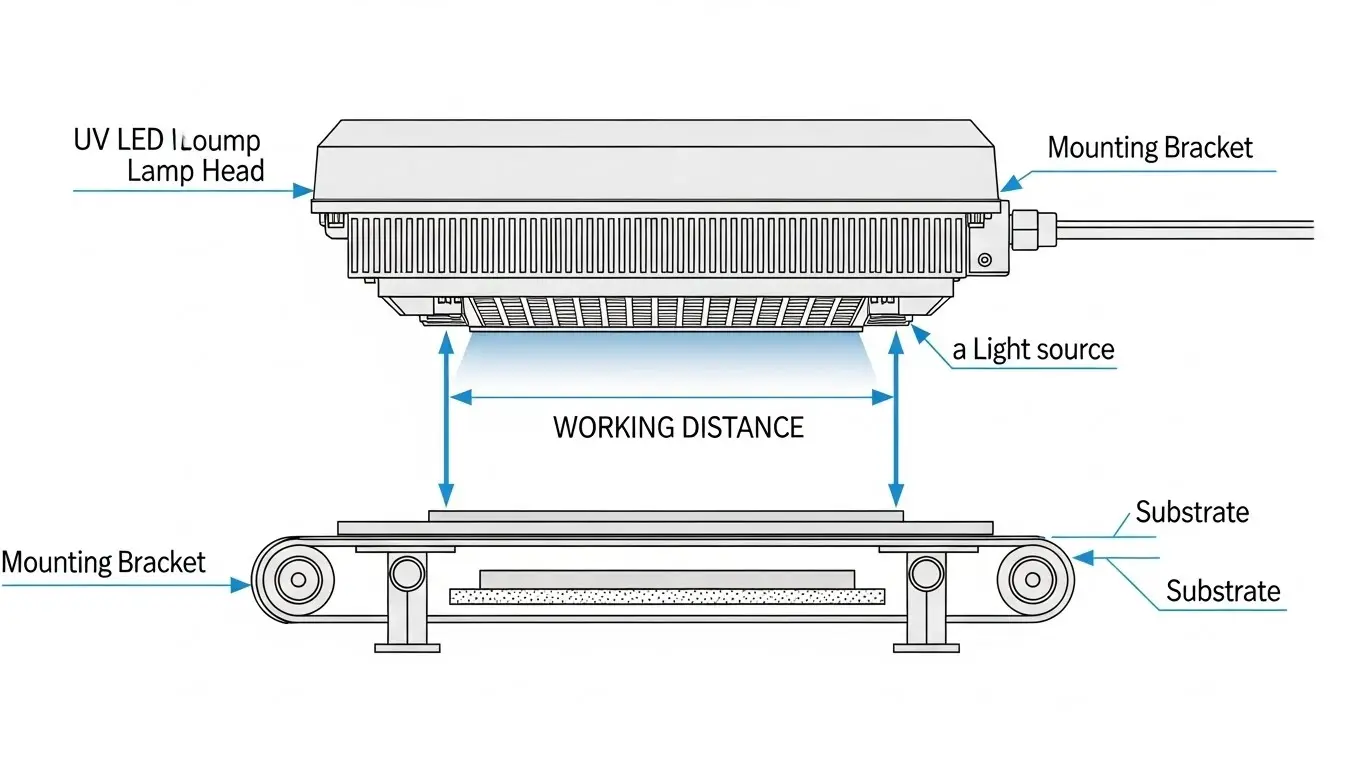
Once you have the correct width, the vertical positioning (height) is the next factor. The printing UV LED curing system should be mounted as close to the substrate as possible—typically 10mm to 20mm.
Because LED light is distinct from focused arc lamps, the energy diverges (spreads out) quickly.
- Too High: The "peak irradiance" drops drastically, and the effective curing width might blur, losing edge definition.
- Too Low: You risk mechanical interference (the web hitting the lamp) or overheating the substrate surface.
Frequently Asked Questions
Q: Does the "printing UV LED curing system" replace my dryer?
A: Yes, for UV inks. A UV LED system replaces hot air dryers or conventional arc UV lamps. It instantly polymerizes the ink, meaning the web is dry immediately after passing under the light.
Q: What happens if my LED lamp is exactly the same width as my web?
A: You risk uncured edges. As the web wanders naturally during transport, the edge of the print may slip outside the light's emission window. We recommend a 5-10mm buffer.
Q: Can I splice two smaller LED lamps together to make a wider one?
A: Generally, no. Simply placing two heads side-by-side creates a gap in the light output (a "dead zone") between the units where no curing occurs. Manufacturers use specialized modular systems that stitch arrays together seamlessly inside a single housing to avoid this.
Q: How do I know if the sizing is correct after installation?
A: You can use UV dosimeter strips. Place a strip across the full width of the web and run it through the press. The color change on the strip should be uniform from the left edge to the right edge, proving the lamp covers the full width.
Key Takeaways
- Emission Window is King: Always size based on the active light-emitting area, not the physical lamp housing.
- The Buffer Rule: Add 5-10mm to your maximum web width to account for web wander and alignment tolerances.
- Use Zoning: Buy a lamp sized for your widest potential job and use electronic zoning to turn off edges for narrower runs.
- Check Uniformity: Ensure the system maintains consistent irradiance across the entire length of the array to prevent "center-cure" issues.
Conclusion
Correctly sizing your printing UV LED curing system is the foundation of a reliable production line. By prioritizing the emission window width and factoring in web wander, you protect your operation from costly curing failures and rejected rolls.
If you are looking to retrofit your press or need a custom sizing consultation, contact our engineering team today to ensure you get the perfect fit for your specific web requirements.
Share on Social:


