
UV LED Curing System for Inkjet Printing: Setup Considerations
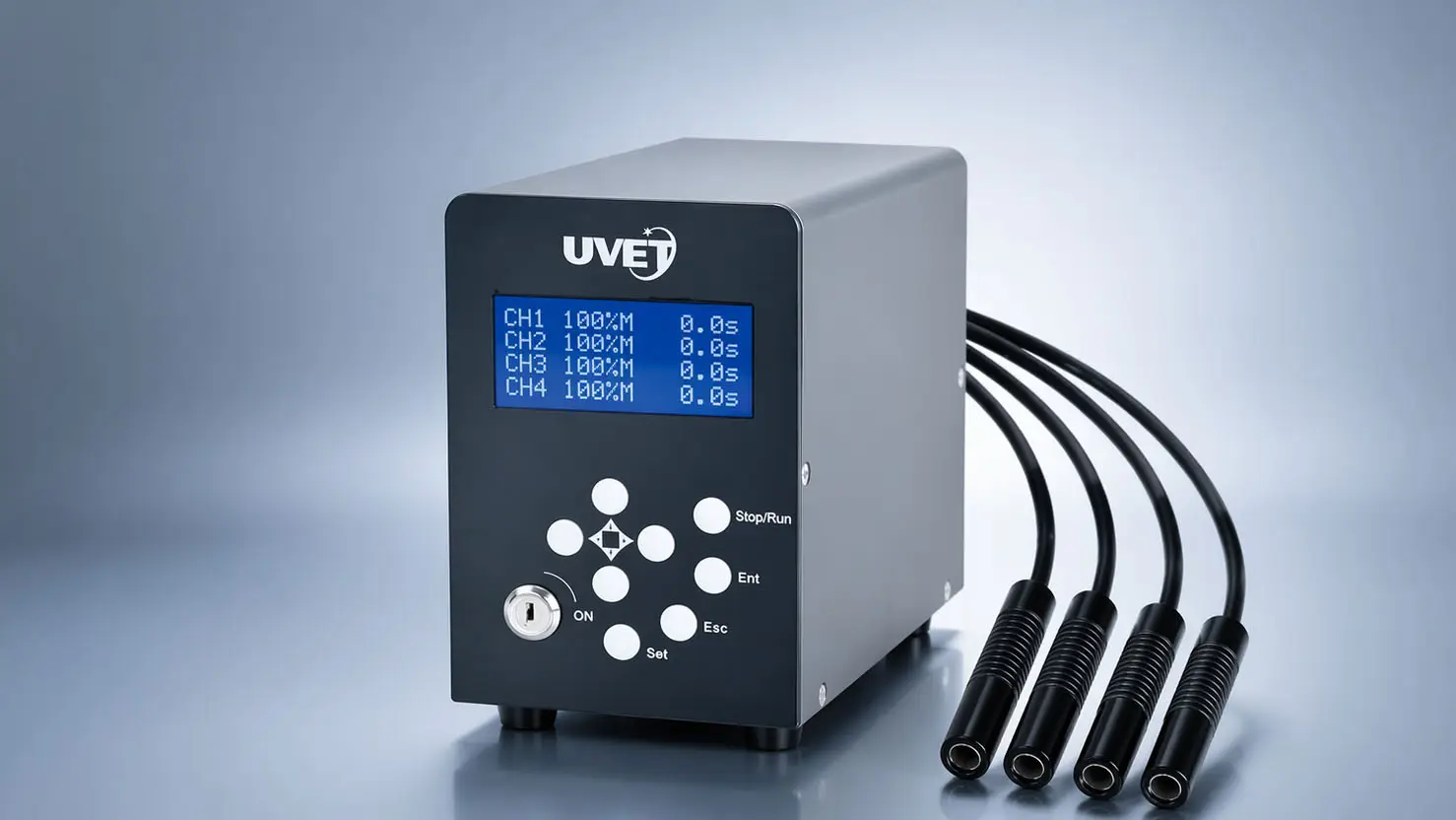
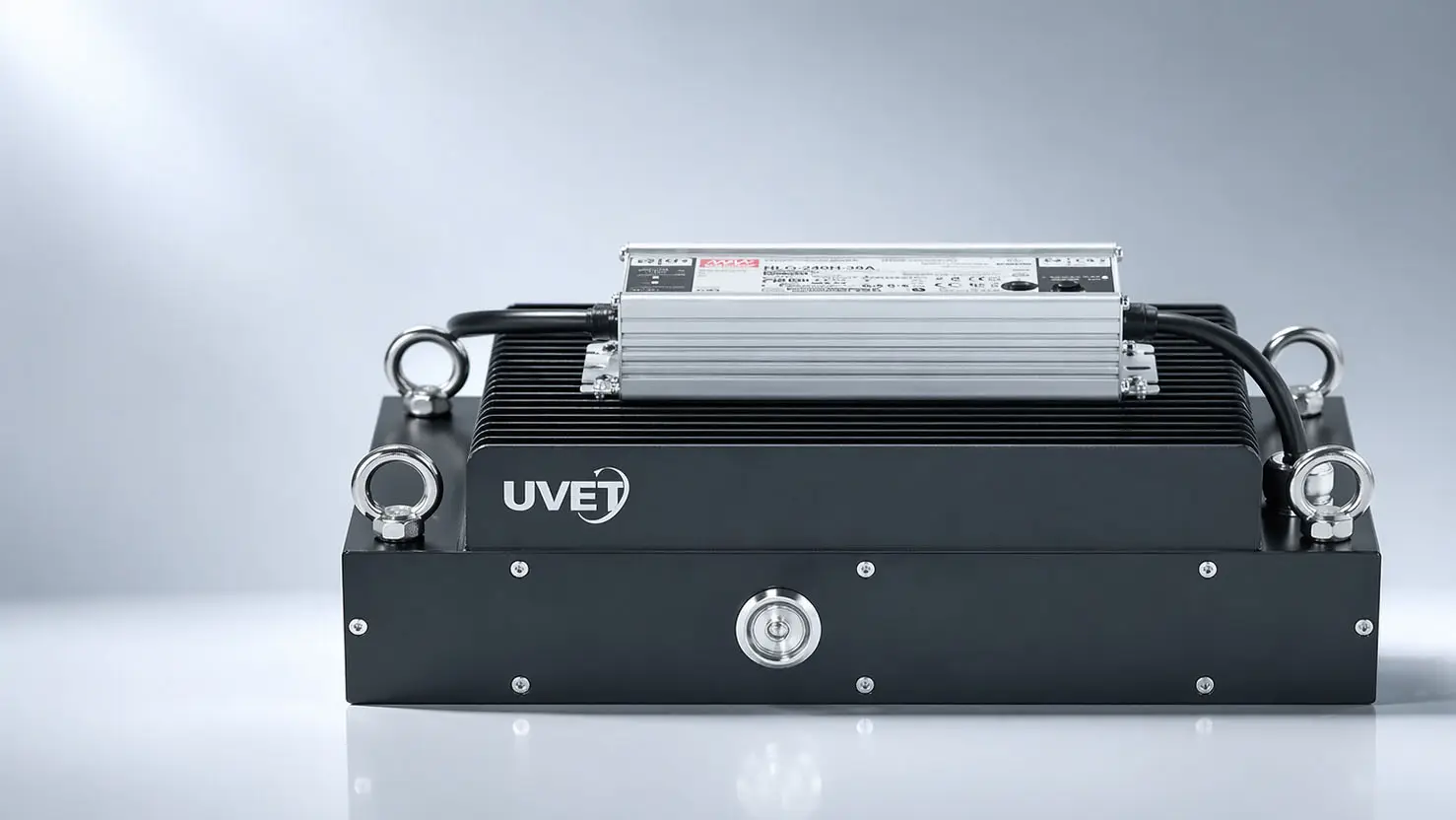
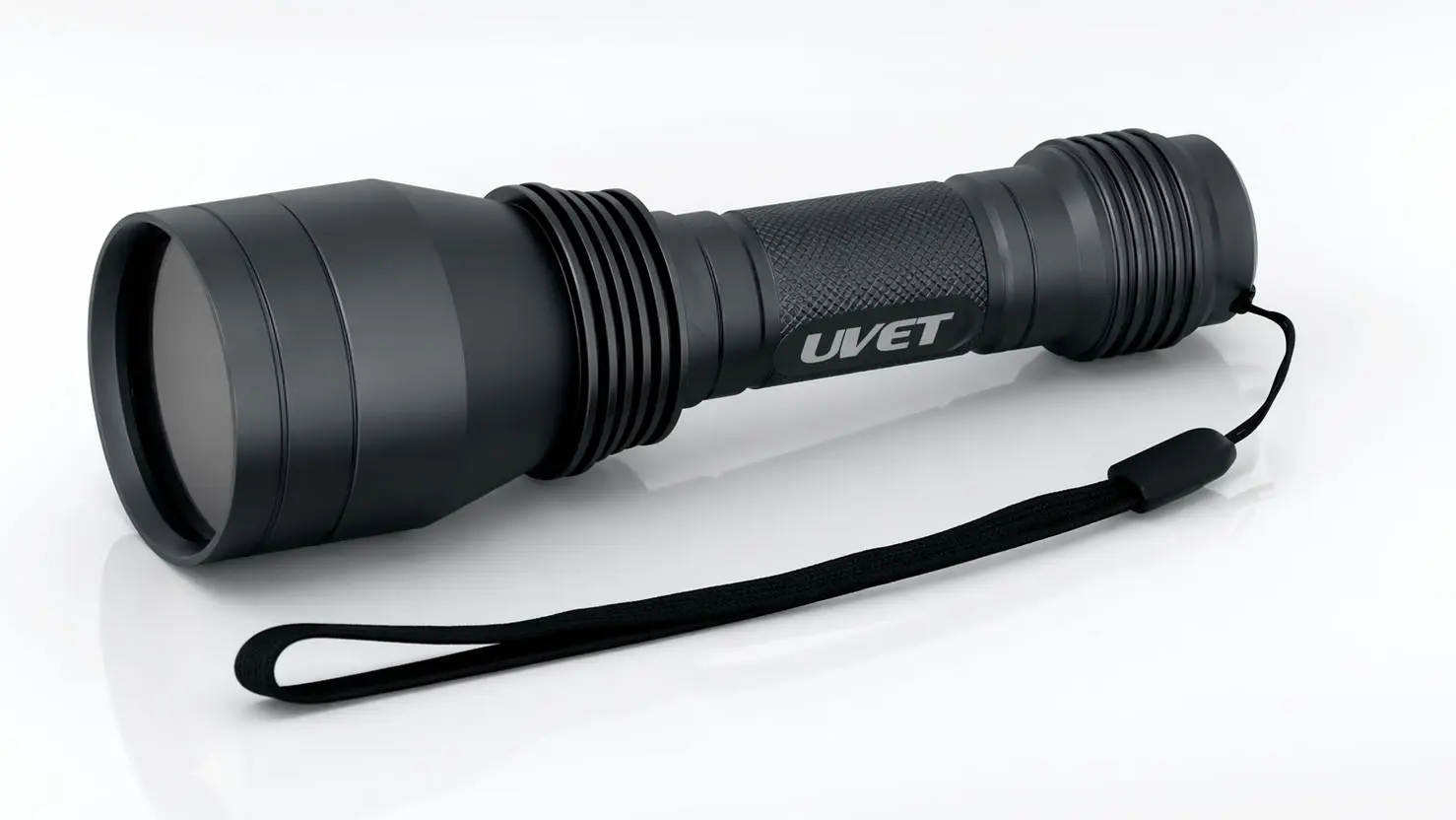
Setting up a UV LED curing system for inkjet printing requires balancing three critical factors: spectral irradiance, thermal management, and physical integration. A successful setup ensures the UV LED lamp’s wavelength (typically 395nm or 385nm) matches the ink’s photoinitiator profile while maintaining a consistent "working distance" (usually 2-10mm) from the substrate. Neglecting these precise calibration steps often leads to adhesion failure, tackiness, or substrate deformation. This guide breaks down the essential technical specifications and installation protocols to optimize your system for production-ready cure speeds and durability.
Setup Requirements: Power & Alignment
To achieve instant polymerization without damaging heat-sensitive substrates, your installation must address mechanical alignment and electrical stability.
Power and Electrical Stability
UV LED systems are sensitive to voltage fluctuations. Unlike mercury arc lamps which are more forgiving, LEDs require a stable DC power supply. Ensure your facility provides a dedicated circuit with a UPS (Uninterruptible Power Supply) to prevent voltage sags that can cause inconsistent curing intensity or "banding" in the final print.
Mechanical Integration and Working Distance
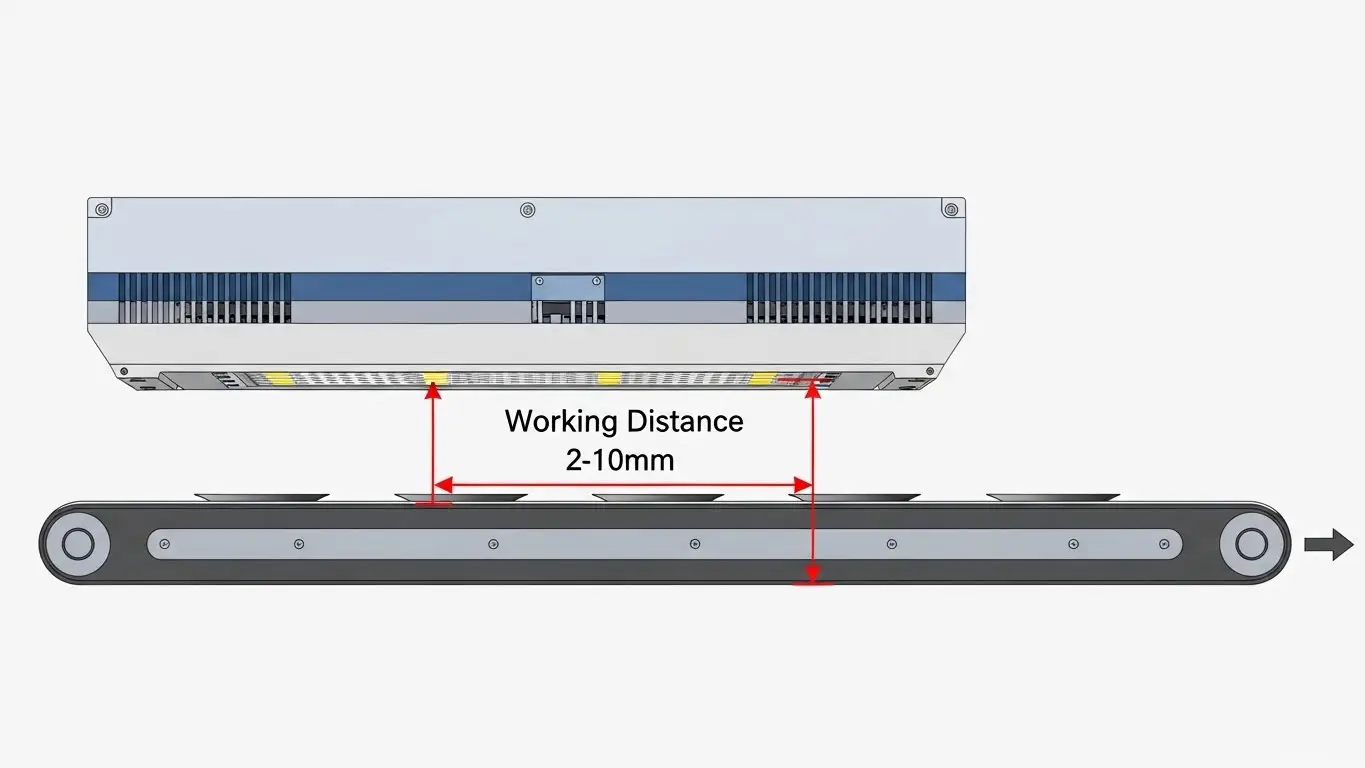
The "working distance"—the gap between the LED emission window and the ink surface—is the most common point of failure.
- Optimal Gap: Maintain a distance of 2mm to 10mm.
- Why it matters: LED energy dissipates rapidly over distance. Increasing the gap from 5mm to 10mm can drop peak irradiance by over 40%, leading to under-cured, sticky ink.
- Alignment: The lamp must be mounted perpendicular to the substrate travel direction to ensure uniform dose delivery across the entire print width.
What is the Best Wavelength for UV LED Curing?
The best wavelength depends entirely on your ink formulation, but 395nm is the industry standard for most UV inkjet applications. It offers the best balance of depth cure and surface tack-free drying.
Understanding the Spectrum (365nm vs. 395nm)
- 395nm: The workhorse for inkjet. It penetrates well through colored inks and is highly efficient for general graphic printing.
- 385nm: Often used for clearer varnishes or adhesives where you want to avoid the "yellowing" effect sometimes caused by 395nm curing.
- 365nm: Provides the highest energy for deep curing (adhesion to difficult substrates) but is less efficient in terms of electrical-to-optical power conversion.
For a deeper dive into ink chemistry, read our guide on UV LED Ink Curing.
Cooling Systems: Air vs. Water
Heat management is vital not for the substrate (since LEDs are "cool"), but for the LED diodes themselves. Overheating diodes lose intensity and fail prematurely.
Air-Cooled Systems
Best for scanning printers or smaller setups.
- Pros: Simple installation, no plumbing required, lower initial cost.
- Cons: Bulky fans can disrupt airflow near the print head (causing ink misting issues); limited power output.
Water-Cooled Systems
Standard for high-speed, single-pass manufacturing.
- Pros: Compact lamp heads (easy to fit), silent operation, maintains stable high intensity for long shifts.
- Cons: Requires a chiller unit and plumbing maintenance; risk of condensation if water is too cold.
Comparison: Cooling Methods
| Feature | Air-Cooled | Water-Cooled |
| Intensity | Low to Medium (up to 12 W/cm²) | High (up to 30+ W/cm²) |
| Maintenance | Clean filters monthly | Monitor coolant levels/quality |
| Footprint | Larger (fans on lamp head) | Smaller lamp head, separate chiller |
| Best For | Wide-format graphics | High-speed industrial coding |
Why Is My UV Ink Sticky After Curing?
Sticky ink usually indicates oxygen inhibition or insufficient surface dose. Oxygen in the air can block the curing reaction at the very top layer of the ink.
Dealing with Oxygen Inhibition
If the surface remains tacky but the base is solid, your LED system might need a higher peak intensity to overcome the oxygen barrier. Alternatively, ensure your ink formulation includes amine synergists that help mitigate oxygen interference.
If you are facing persistent adhesion issues, refer to our guide on UV LED Curing Troubleshooting for Inkjet: Common Fixes.
How Long Do UV LED Lamps Last?
One of the primary advantages of switching to LED is longevity.
Expected Lifespan
A quality UV LED system typically lasts 20,000 to 30,000 hours of "on-time." Because LEDs feature instant on/off capabilities, they are only active when actually printing, unlike mercury lamps which run continuously. This often translates to 5-10 years of service life in a standard production environment, significantly reducing downtime and replacement costs.
Frequently Asked Questions
Can I retrofit my existing UV printer with LED lamps?
Yes, most UV printers can be retrofitted. However, you must ensure your ink set is "LED-curable." Old UV inks formulated for mercury lamps may not cure properly under the narrow spectrum of LED (395nm).
Do UV LED lamps generate ozone?
No. UV LED lamps do not emit short-wave UV-C radiation (below 280nm), which is responsible for generating ozone. This eliminates the need for expensive extraction ductwork.
How do I measure UV LED output?
You cannot use a standard UV radiometer designed for mercury lamps. You must use a radiometer specifically calibrated for LED spectra (typically focusing on the 365nm-405nm range) to get accurate readings.
Key Takeaways
- Match the Wavelength: Ensure your lamp (395nm/385nm) aligns with your ink's photoinitiators.
- Mind the Gap: Keep the lamp 2-10mm from the substrate to prevent intensity loss.
- Cooling Matters: Choose water-cooling for high-speed, continuous production; air-cooling for intermittent or lower-speed needs.
- Check the Power: Use a stable DC supply to prevent curing banding.
Before finalizing your purchase or installation, review our UV LED Ink Curing System: Spec Checklist for Printing to ensure you haven't missed any critical hardware requirements.
Conclusion
Transitioning to a UV LED curing system for inkjet printing offers improved energy efficiency, reduced heat on substrates, and lower maintenance costs. However, the system is only as good as its setup. By strictly managing working distance, thermal cooling, and power stability, you can achieve consistent, high-quality cures that meet the demands of modern industrial printing.
Share on Social:


